
Prerequisites
Before you unleash FSB into the wild, you need to gather a few essential ingredients. You just have to goto a couple of websites and click around a bit and copy some values. Don't worry, it's not as scary as it sounds.
1. Telegram API Credentials
First, you need an API ID and an API Hash to communicate with Telegram's core servers. Complicated? Not at all. Just follow these steps:
- Go to my.telegram.org and log in with your phone number.
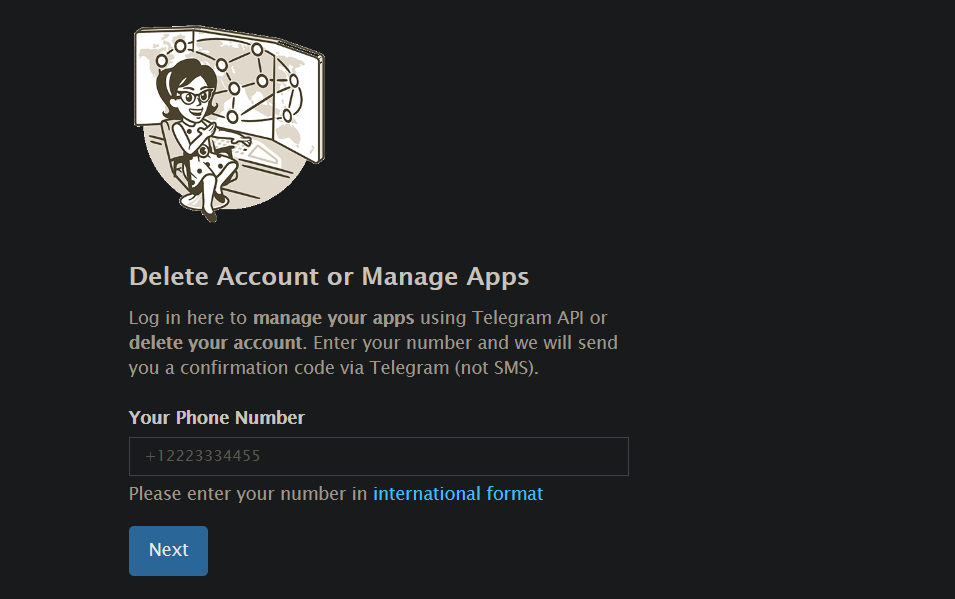
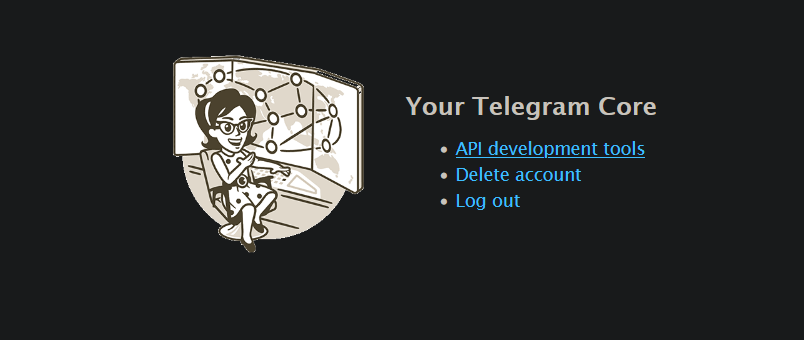
- Click API development tools.
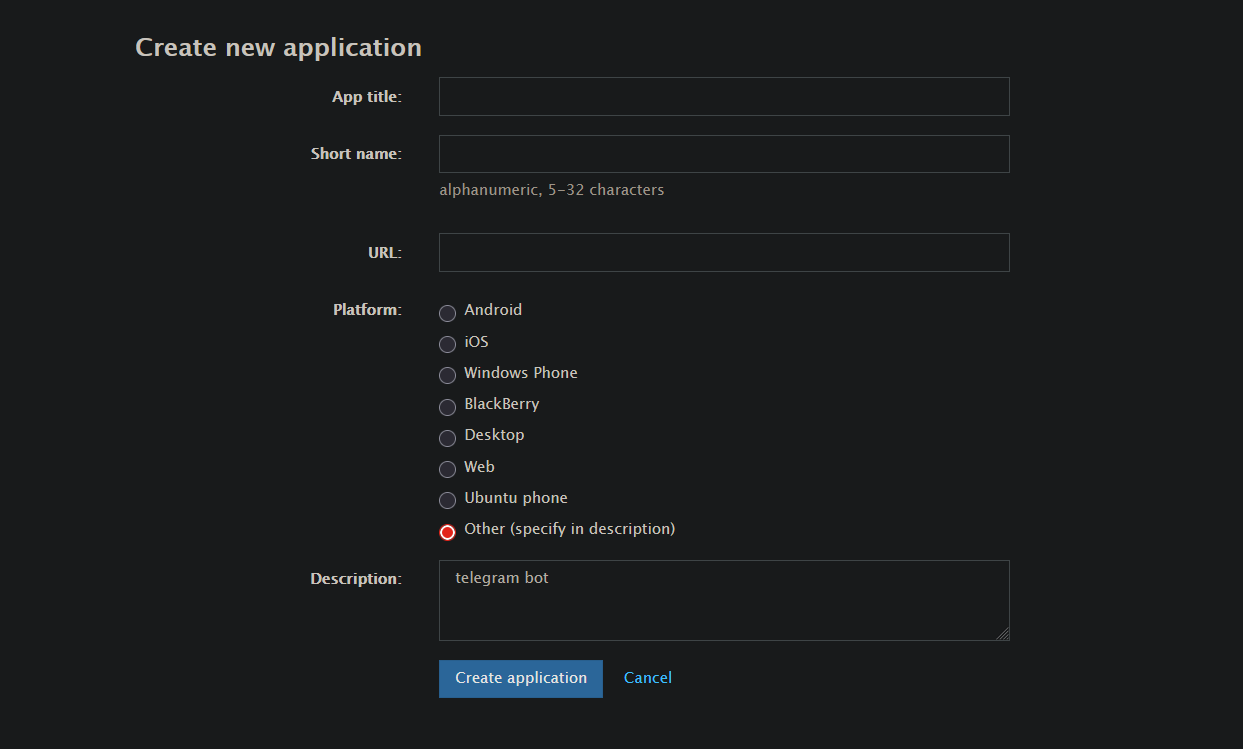
- Create a new application. The App title and Short name can be anything you like, and you can select "Other" for the Platform.
- Copy your
api_idandapi_hash. We'll need these later.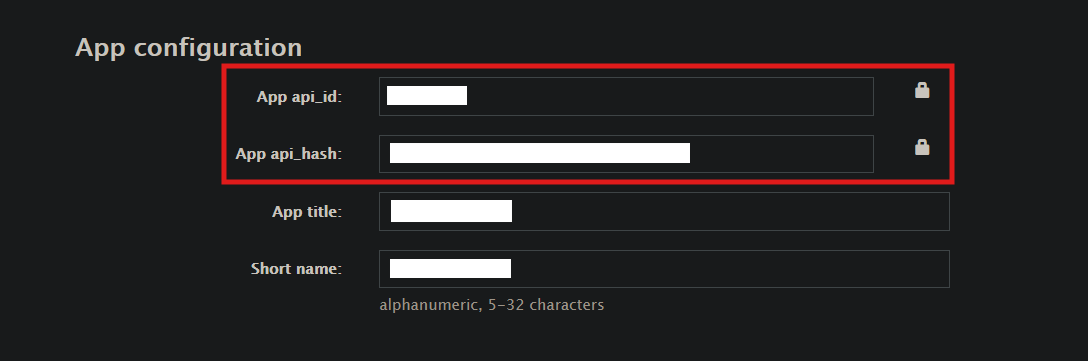
Is it safe? Will it get my telegram account banned?
Nope, these credentials are used to create a separate session for the bot and do not have access to your personal Telegram account. Just make sure to keep them secret and don't share them with anyone.
2. Bot Token
You need a dedicated Bot Token to run the system. You'll obtain this after creating your own bot on Telegram. Here's how:
- Open @BotFather in Telegram.
- Send the
/newbotcommand and follow the prompts to choose a name and username.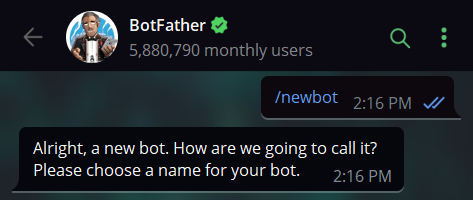
- BotFather will hand you a token (it looks something like
123456789:ABCdefGHI...).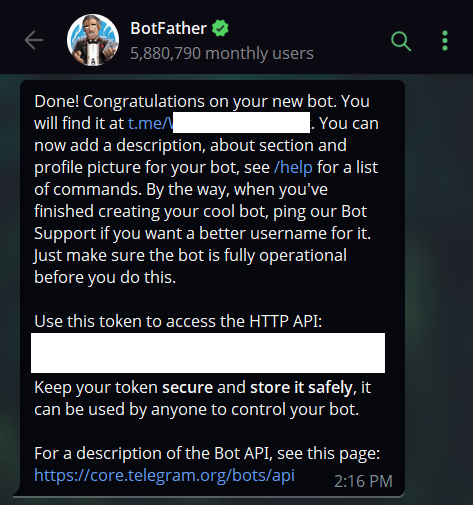
- Note it down. We'll need this later.
3. The Log Channel
The Log Channel is where the bot will store all the files you forward it. This is done to generate the streaming links. You can use an existing channel or create a new one specifically for this purpose.
Create a new Telegram channel. We highly recommend making it Private.
Go to the channel settings and add your newly created bot as an Administrator. It needs permission to post messages.
Get the Channel ID.
- A quick way to get this is to send a message in the channel, forward it to @MissRose_bot, and reply to the forwarded message with
/id. - The ID should be a negative number starting with
-100(for example,-100123456789).
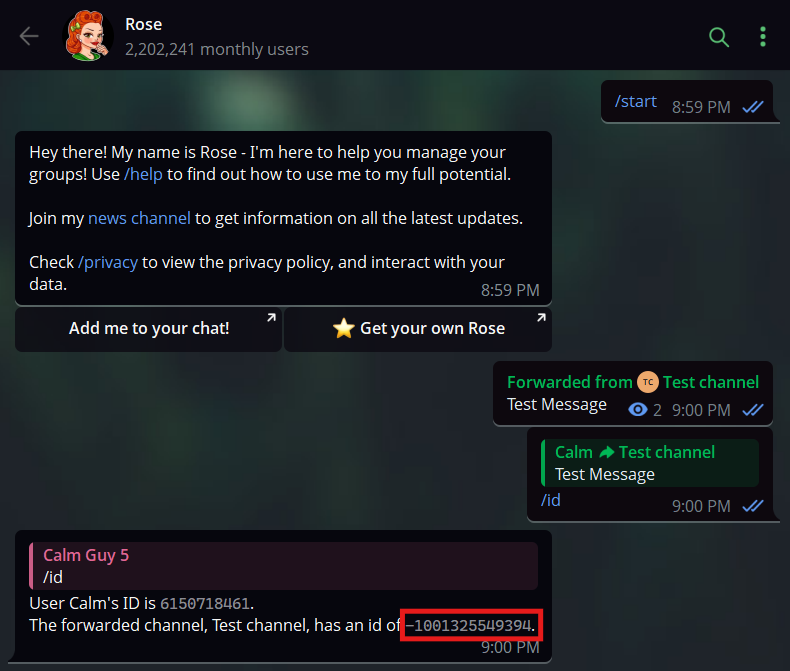
- A quick way to get this is to send a message in the channel, forward it to @MissRose_bot, and reply to the forwarded message with
If you are setting up multiple worker bots later, you will need to add all of them to this channel as well.
Bringing it all together
You should now have:
API_IDAPI_HASHBOT_TOKENLOG_CHANNEL
Keep these handy, you will need them in the next step when we install and configure the bot.
Next Steps
Now that you have your credentials, let's get the bot running. Head over to Installation.